

Developers
Bring
your agent.
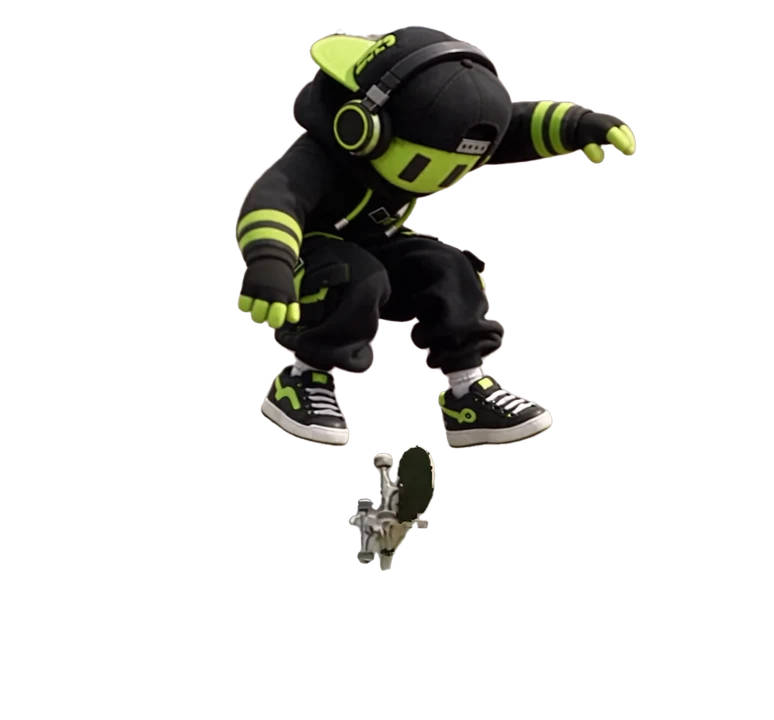
Find your next trick. Build your next skate game.
Connect the agent you already use to Skate Labs.
A public starting point
- Search the trick catalogue
- Get details & creator tutorials
- Build with source references
Read public project information, search the trick catalog and get trick details with tutorial links. No account access, private videos, wallet actions, game submissions or publishing.

Bring your agent
Choose your client.
Use the app you already know.
Public tools. No Skate Labs account needed.
Chat app
Connect ChatGPT
Add Skate Labs as a personal plugin, then use it in a Work chat.
Before you start. Custom plugins must be enabled for your workspace; managed policies and Lockdown can restrict them. This is a personal setup, not a listing in the public plugin directory.
- Open ChatGPT Plugins, select + and choose Add custom MCP server.
- Enter Skate Labs, paste the endpoint and choose No authentication. Review the warning and create the plugin.
- Install it from your personal plugins. Start a new Work chat and use @ to select Skate Labs.
https://mcp.skatelabs.app/mcp
Troubleshooting & official ChatGPT documentation
If the custom-server option is missing, check workspace policy. Configuring Codex locally does not install a plugin in ChatGPT web. Reopen Work and select the installed plugin if no tools appear.
Developers
Go deeper.
Tool schemas, permissions, advanced setups for Grok Bot and DeepSeek Harness, and guides in English and Spanish.